

Browse where you chose to go.
Nowhere else.
Only the sites you approve. Adult sites always blocked.

Tbone Browser is a whitelist website blocker and digital detox browser — it locks in your own whitelist with a tamper-resistant timer, no override, no talking yourself out of it. Just the sites you decided you wanted, until the time you set for yourself runs out.
Only what you've approved, opens.
Whitelist-only browsing means every site not on your list is blocked on sight — no accidental detours, no "just checking one thing." Approve a whole domain, or use Whitelist Page Only to allow one exact page while leaving the rest of that site closed.
You build your own safe path through the web, one page at a time.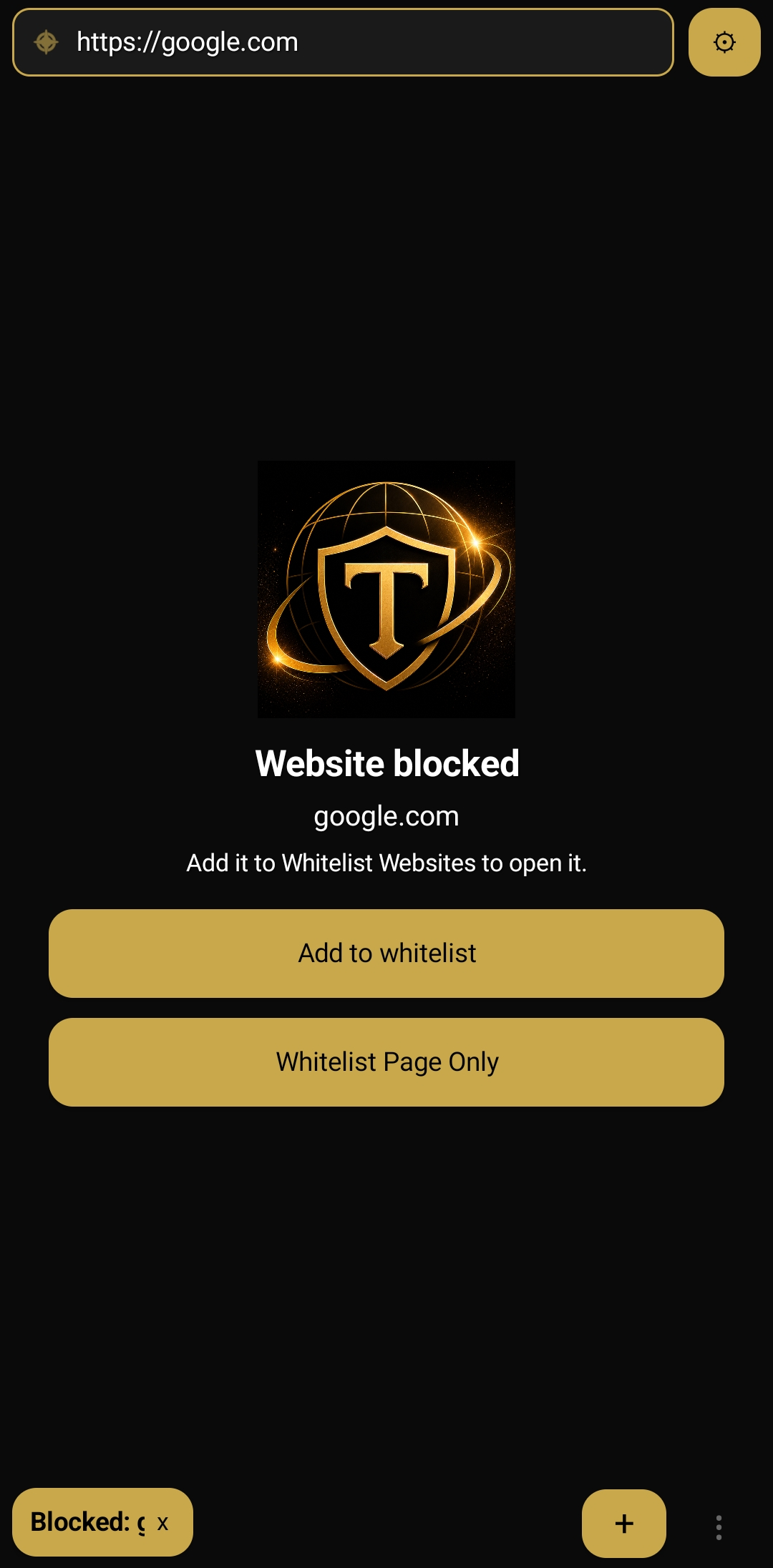
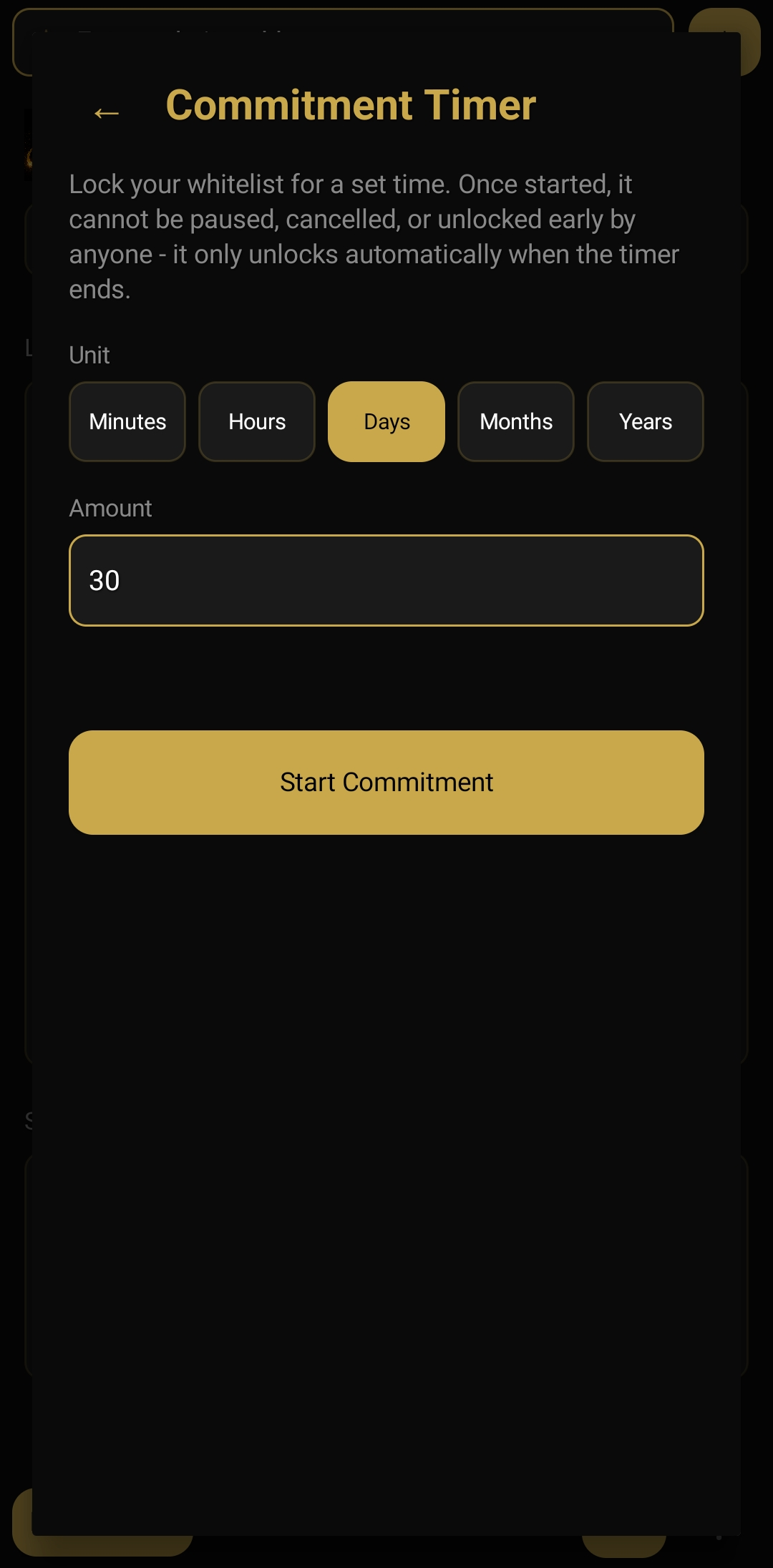
The Commitment Timer. Your word, held for you.
Lock your whitelist for minutes, hours, days, months, or years. Once started, it can't be paused, cancelled, or unlocked early — by anyone, including you. It only opens automatically when the time you chose is up.
Dignity and integrity, kept on your own terms.Or hand the key to someone you trust.
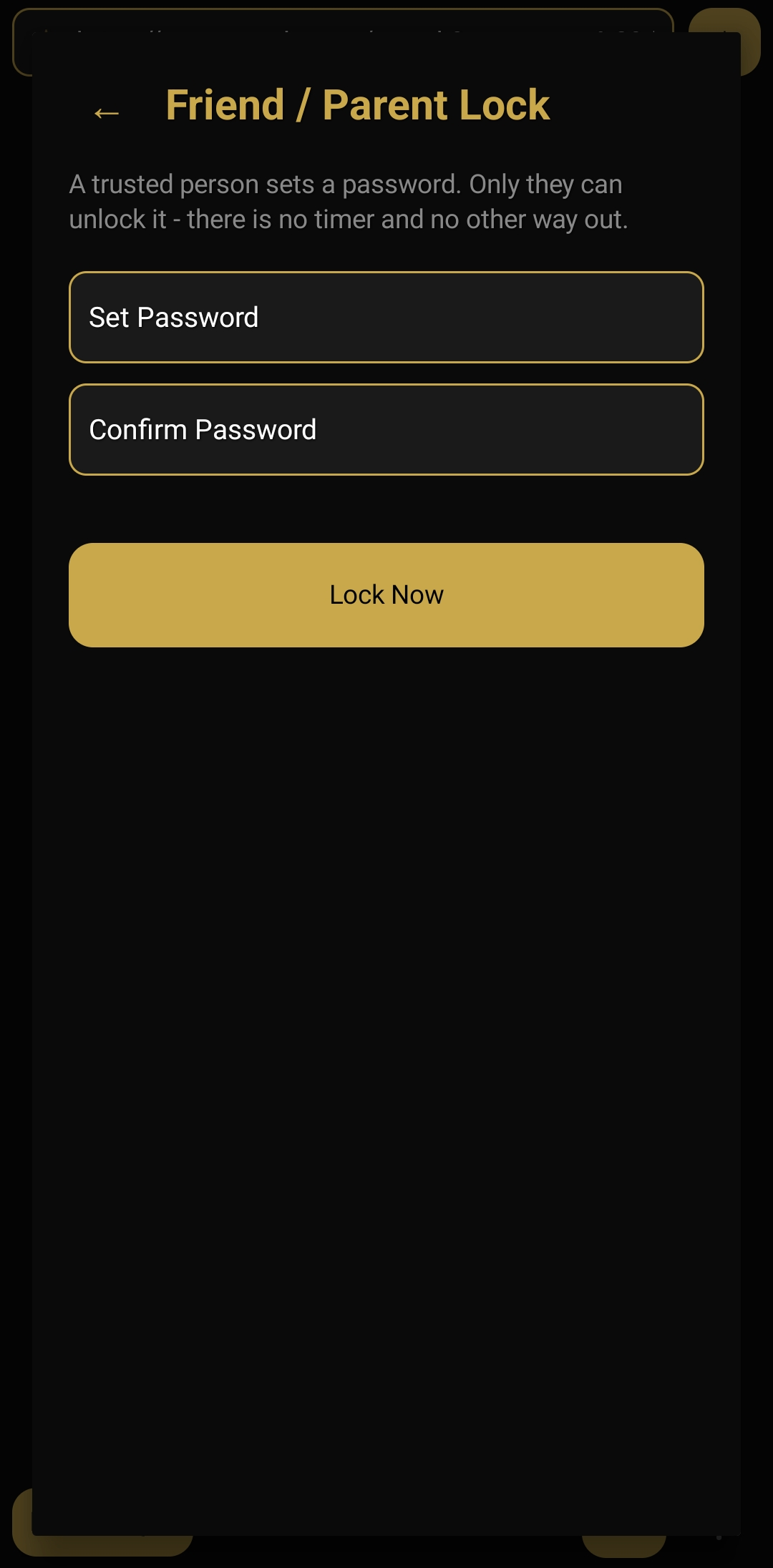
As a parental control browser, Friend/Parent Lock works alongside the Commitment Timer as a second way to remove your own override. A trusted person sets a password — only they can unlock the whitelist. There's no timer this time, and no other way out.
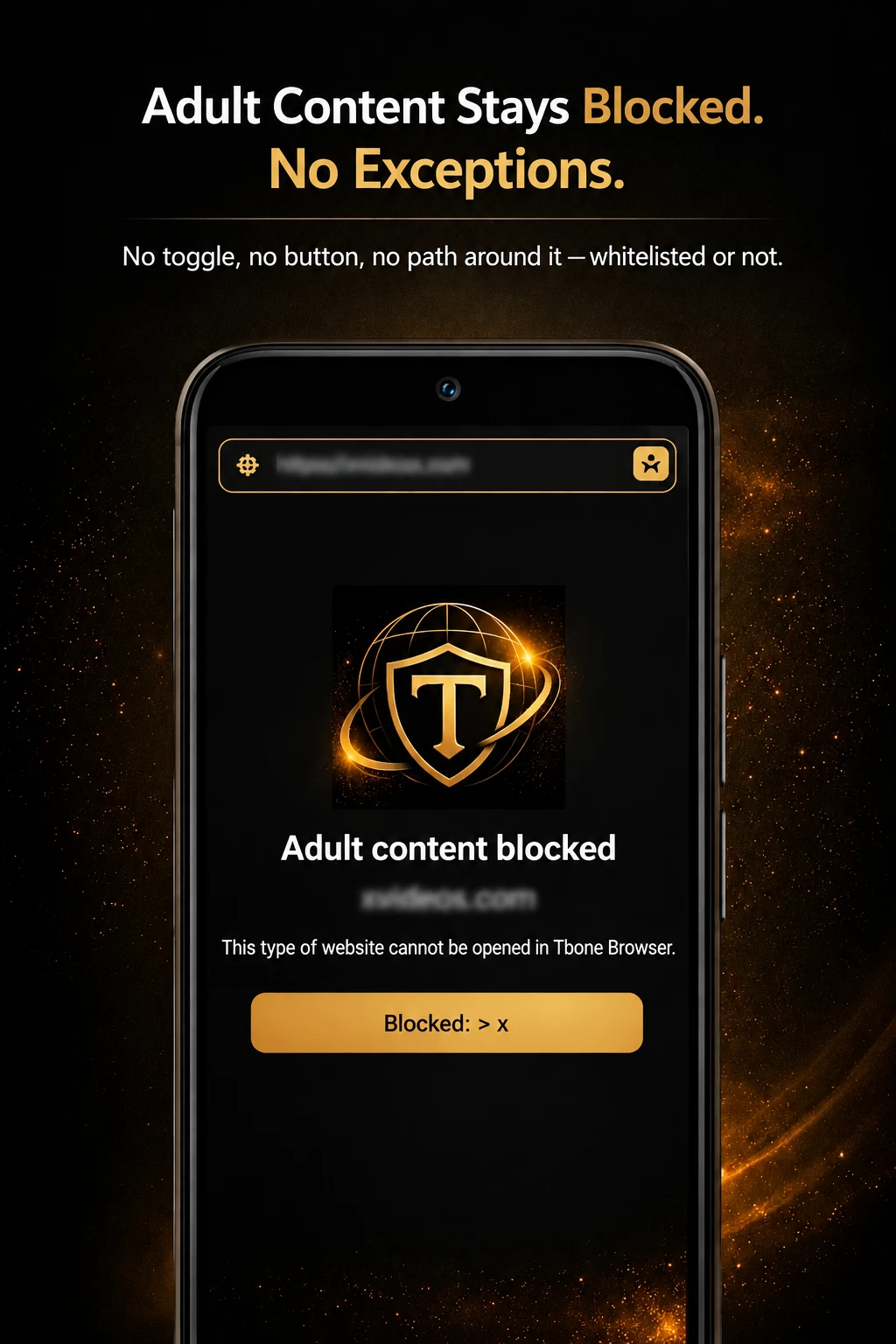
Adult content stays blocked. No exceptions.
Tbone Browser is a porn blocker and block-porn-sites app at its core: pornography sites can never be accessed — whitelisted or not, timer running or not. Adult content blocked, no adult websites, ever. There's no toggle, no button, no path around it.
Need the open web? Browse it safely instead.
Safe Browsing Mode opens the whole web with no whitelist restriction — but it's no images, no video: images can't be viewed, videos can't be played, and nothing can be saved. Adult sites stay blocked either way. It can't be switched on while a Commitment Timer or Friend/Parent Lock has your whitelist locked.
Full access, with nothing visual left to trigger you.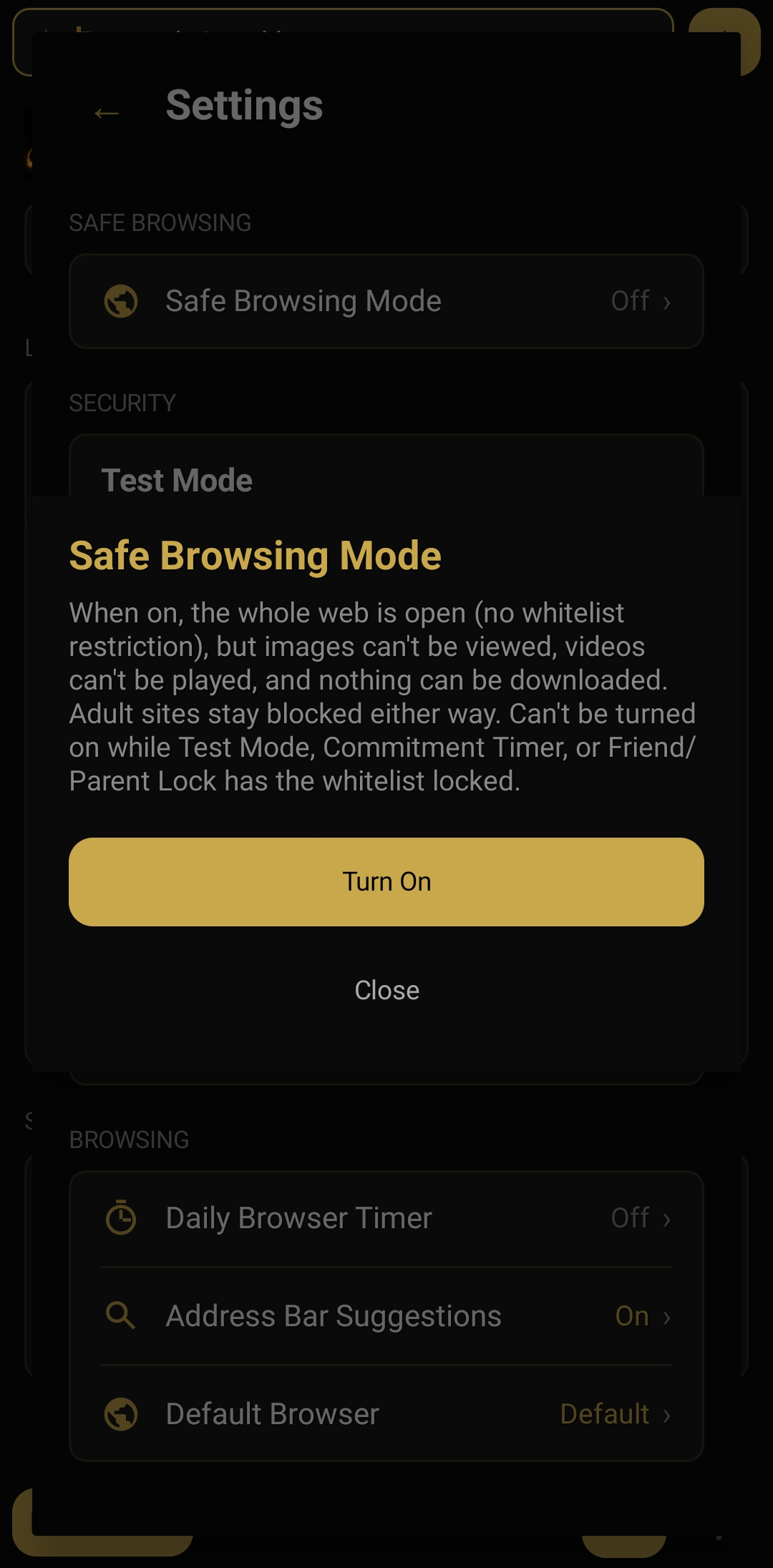

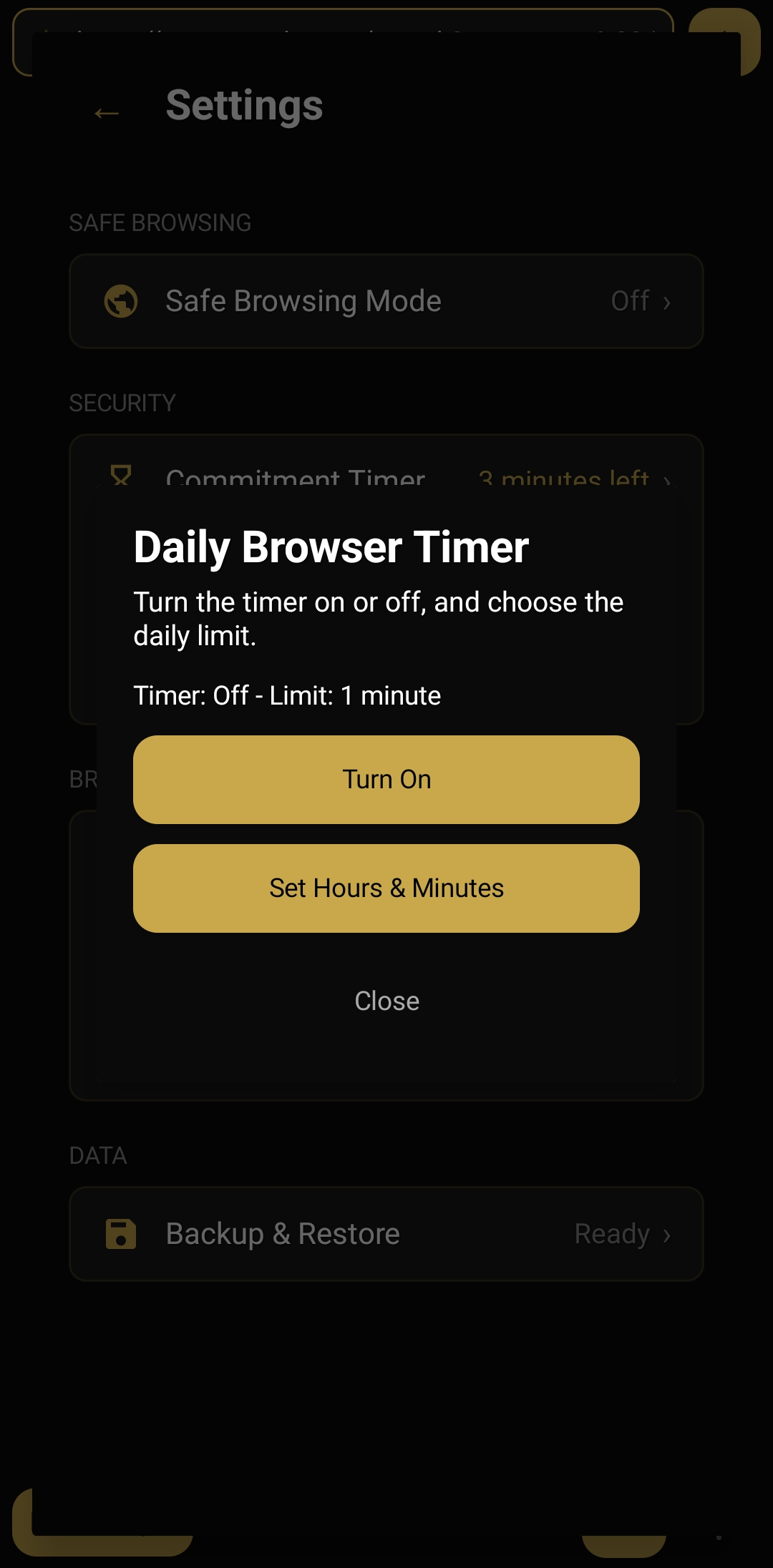
Or just set a daily limit for yourself.
The Daily Browser Timer is the lighter option — a simple on/off cap on how long you can browse each day, in hours and minutes. No lock-in, just a limit you set and keep.
Everything else a browser should have.
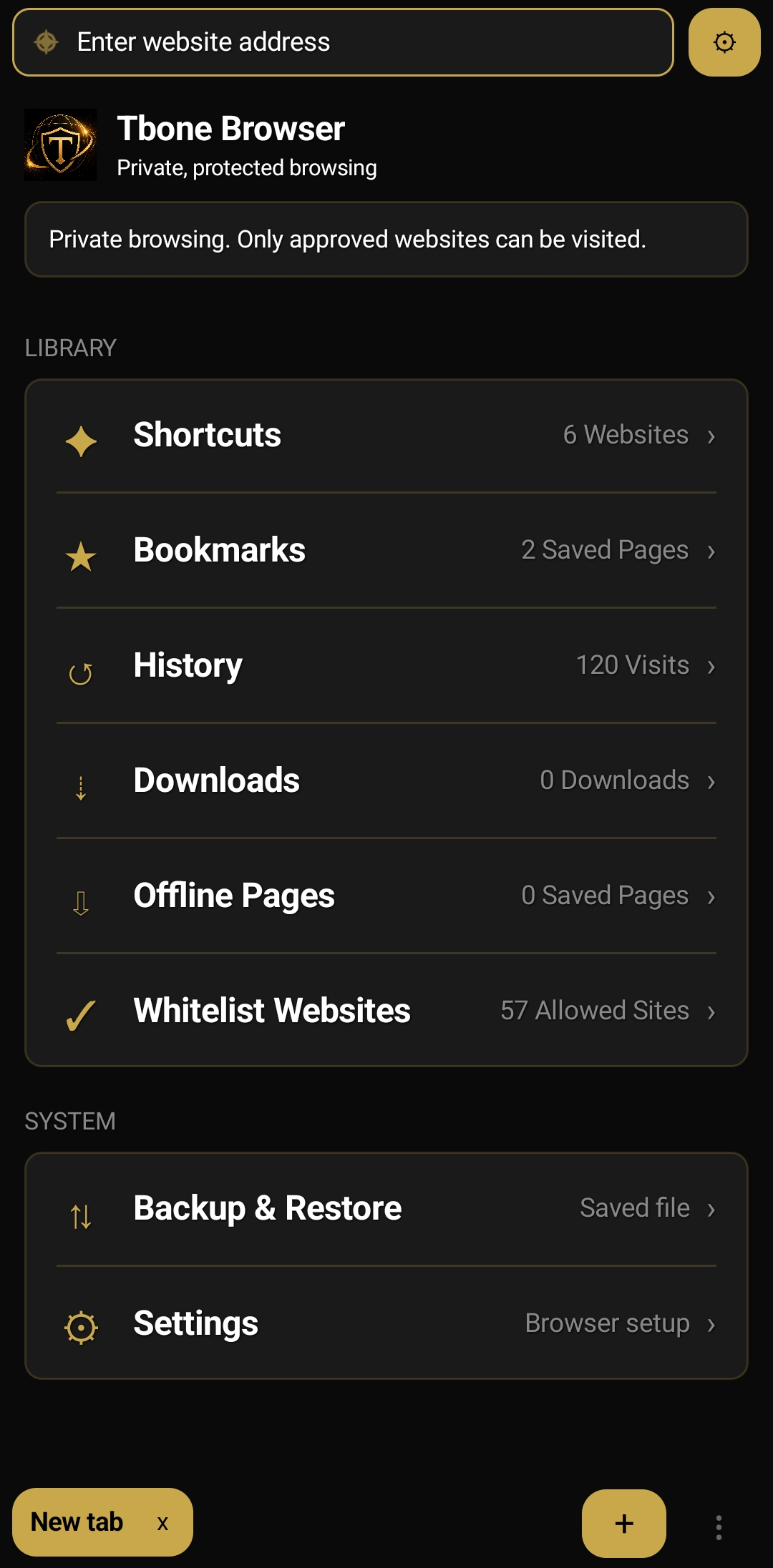
Shortcuts, bookmarks, history, offline pages, and your full whitelist — all in one clean library, right where you land on every new tab.
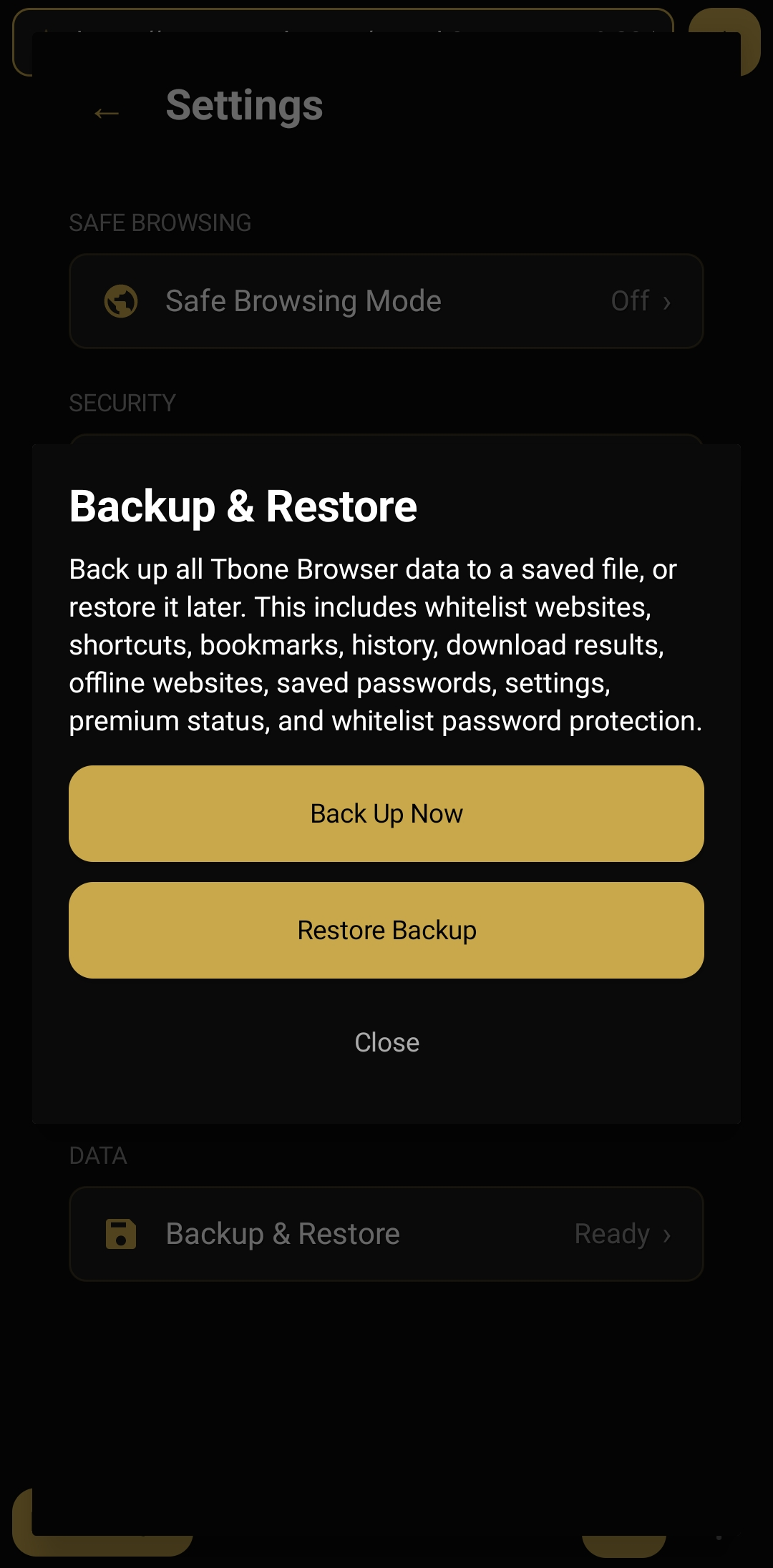
Back everything up, so nothing's ever lost.
Whitelist, shortcuts, bookmarks, history, offline pages, saved passwords, settings, premium status, and whitelist password protection — all saved to one file, restorable any time.