

VidTag
A Video Tag Editor for Android — Add Cover Art to Videos in Seconds
Add cover art in a couple of taps. No watermark, works offline.
VidTag embeds title and cover art metadata straight into your video files on Android — no computer, no watermark, no account. Most video metadata editors on the Play Store are ad-heavy or unreliable; VidTag is built to just work, every time.
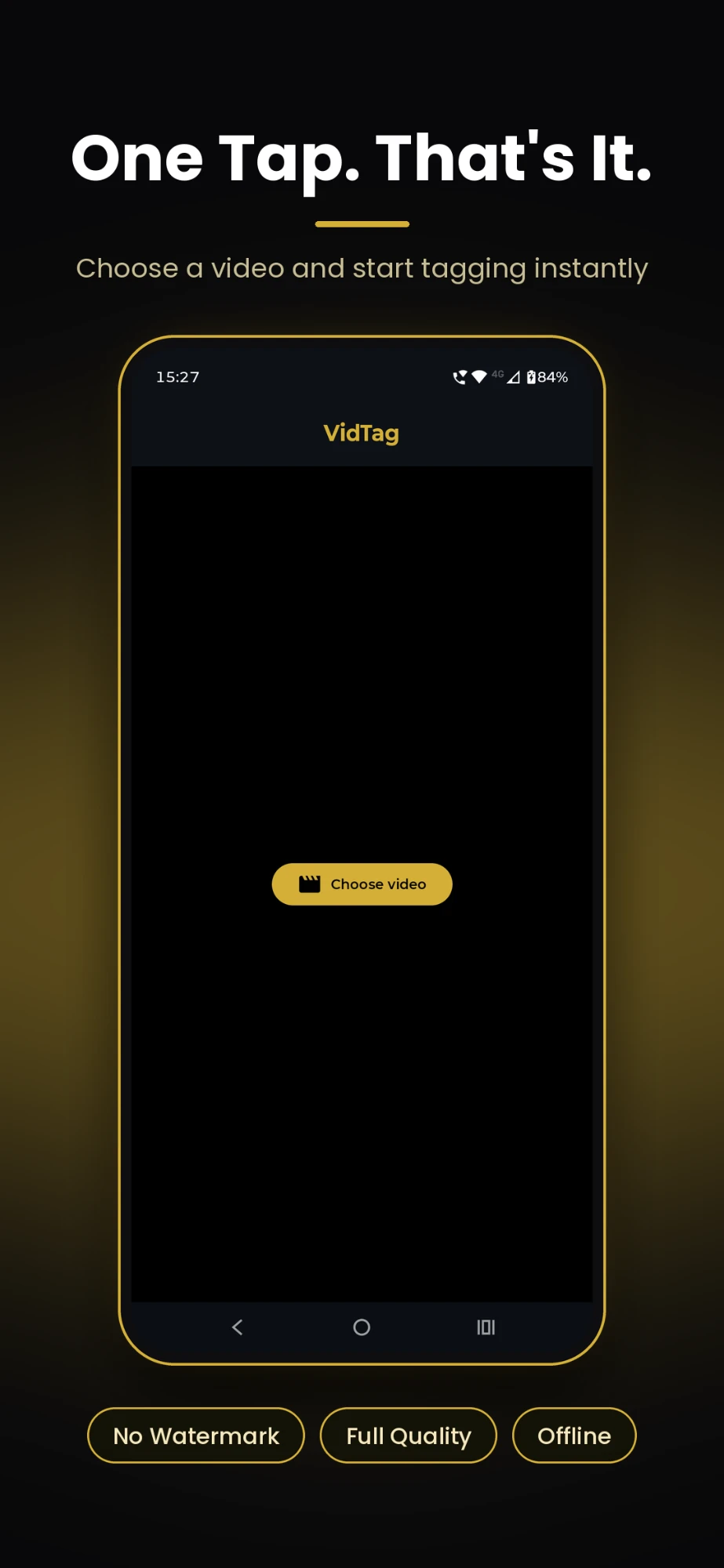
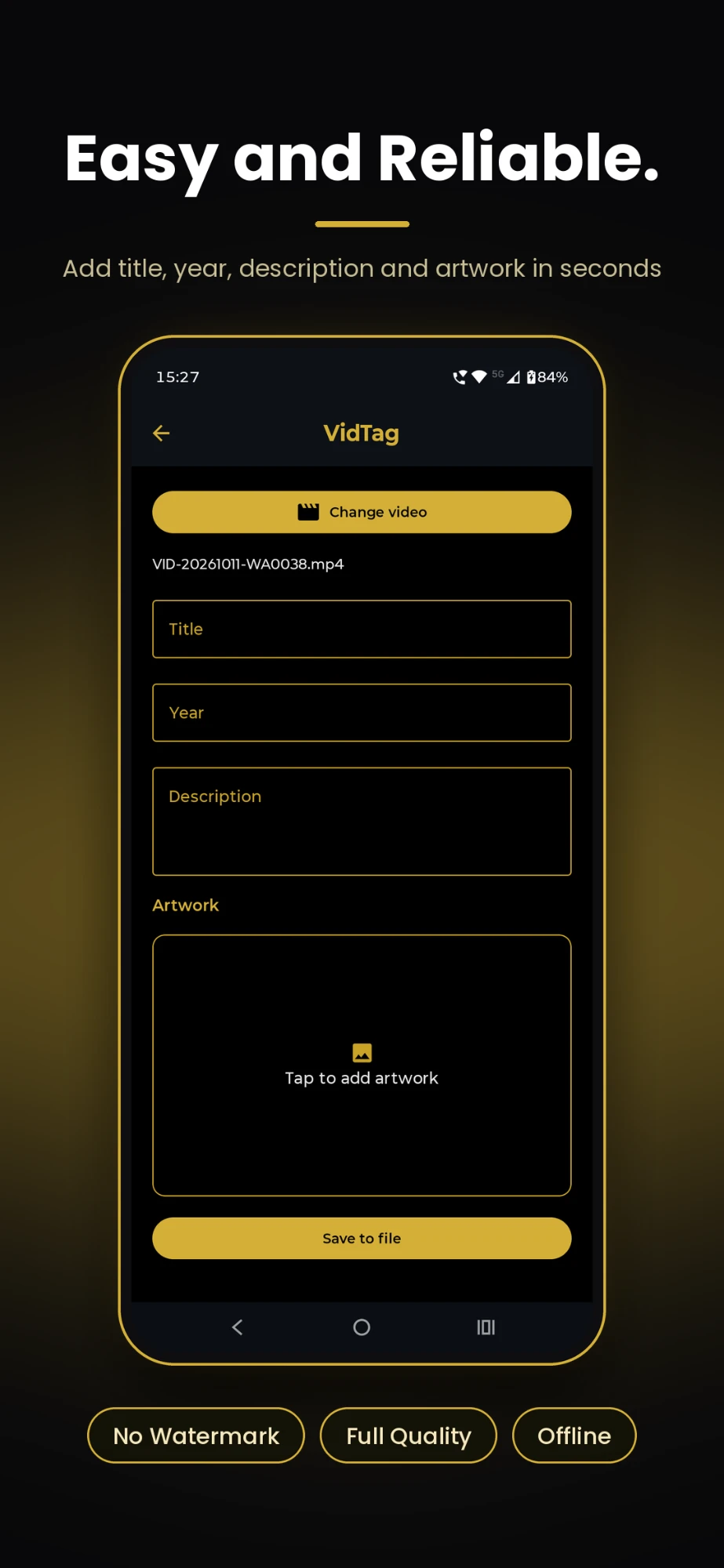
Add Cover Art to Videos in a Couple of Taps
Pick any video, choose a photo from your gallery, and VidTag embeds it as the file's cover art — the same artwork video players and music apps show when the file has no thumbnail. No cropping tools to fight, no exporting to a separate app. It's the fastest way to add artwork to an MP4 on Android.
No Watermark, Ever
Plenty of video tag editors slap a logo over your artwork or stamp a watermark into the export unless you pay. VidTag never does — the cover art and metadata you embed come out exactly as you set them, every time you use it.
Works Fully Offline
VidTag runs entirely on your device. There's no upload step, no cloud processing, and no connection required to embed metadata into a video — it works just as well on a plane as it does at home.
A Real Video ID3 Tag Editor
Set the title and cover art directly in the video file's own metadata — the same fields music apps read for ID3 tags — so the artwork and name travel with the file wherever it's shared or played.
Why VidTag
Search "video tag editor android" and most of what comes up is bloated with ads or breaks halfway through saving. VidTag does one job — add title and cover art to video files — simply and reliably, without the mess.
There's no shortage of apps that claim to edit video metadata on Android — most are cluttered with ads, crash mid-export, or bury the feature behind a paywall. VidTag is built to do one thing well: embed title and cover art metadata into your video files, reliably, every time.