Focus Feed promotional banner: follow your favourite channels, no distractions

YouTube RSS Reader

YouTube RSS Reader for Android — Watch Without the Algorithm

Open YouTube to watch one video from a channel you follow, and twenty minutes later you're three autoplay videos and a dozen recommendations deep into something you never meant to watch. That's not an accident — it's the algorithm and autoplay doing exactly what they're designed to do: keep you scrolling. Focus Feed is an Android app that skips all of it, using a part of YouTube most people don't know still exists: RSS.

What is a YouTube RSS feed?

RSS is a simple, open format websites use to publish a list of their latest posts so other apps can read it — no login, no API key, no permission needed. Most people associate it with blogs and podcasts, but YouTube quietly kept the same system for every channel. It's just not something YouTube points to from its own app, since RSS feeds have no room for recommended videos, autoplay, or ads.

Every public YouTube channel has a feed URL built from its channel ID, and that feed lists new uploads in the order they were posted — nothing else. Focus Feed handles finding and reading that URL for you: you paste in a normal YouTube channel link, and the app takes care of the rest.

How it works

Using Focus Feed comes down to three steps: paste a channel link, get new uploads in order, and watch with nothing else attached — no recommendations, no autoplay.
See it in the app

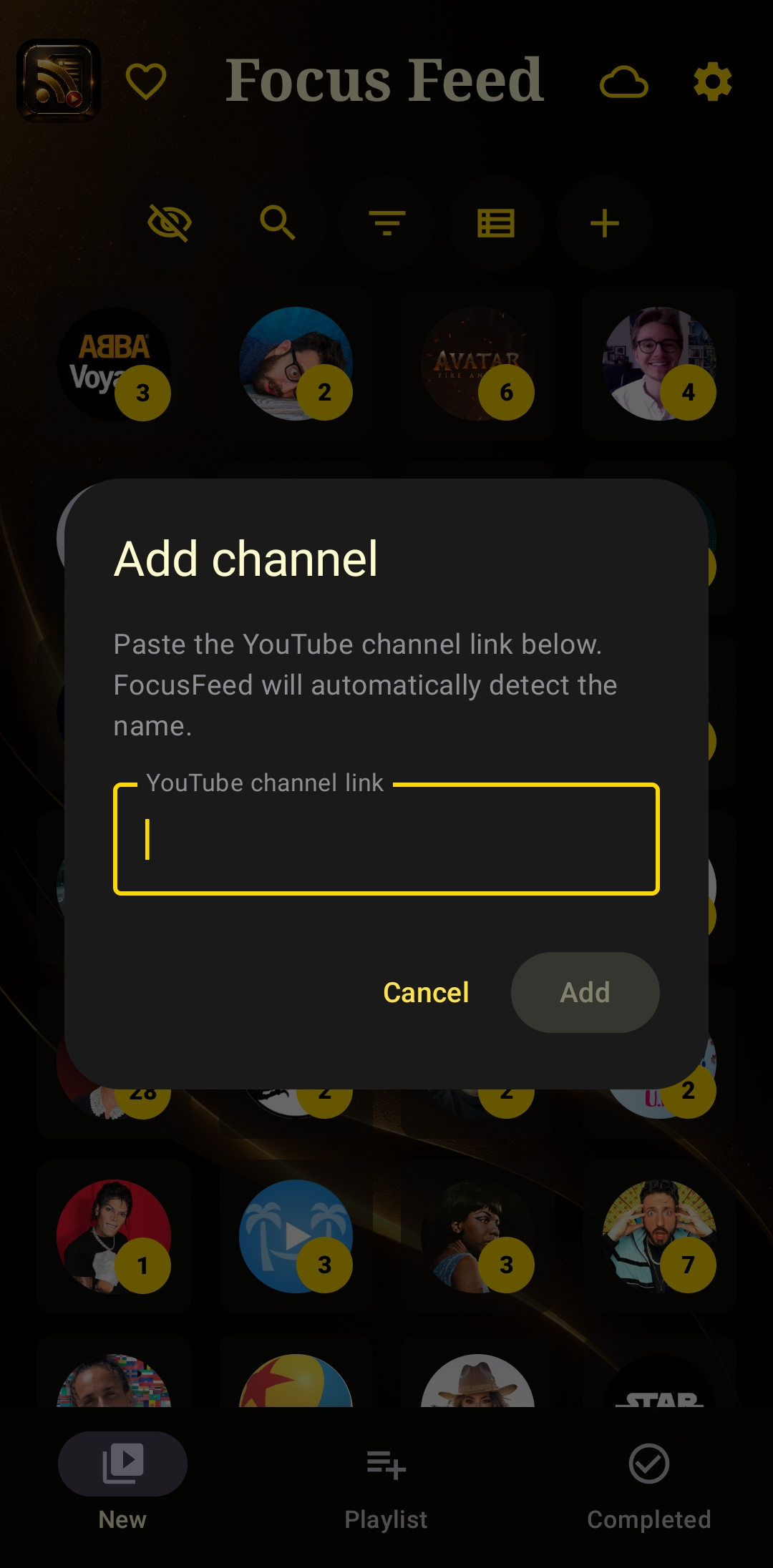
Add channel dialog — paste a YouTube channel link and Focus Feed detects the name automatically

Paste a channel link — Focus Feed finds its RSS feed automatically

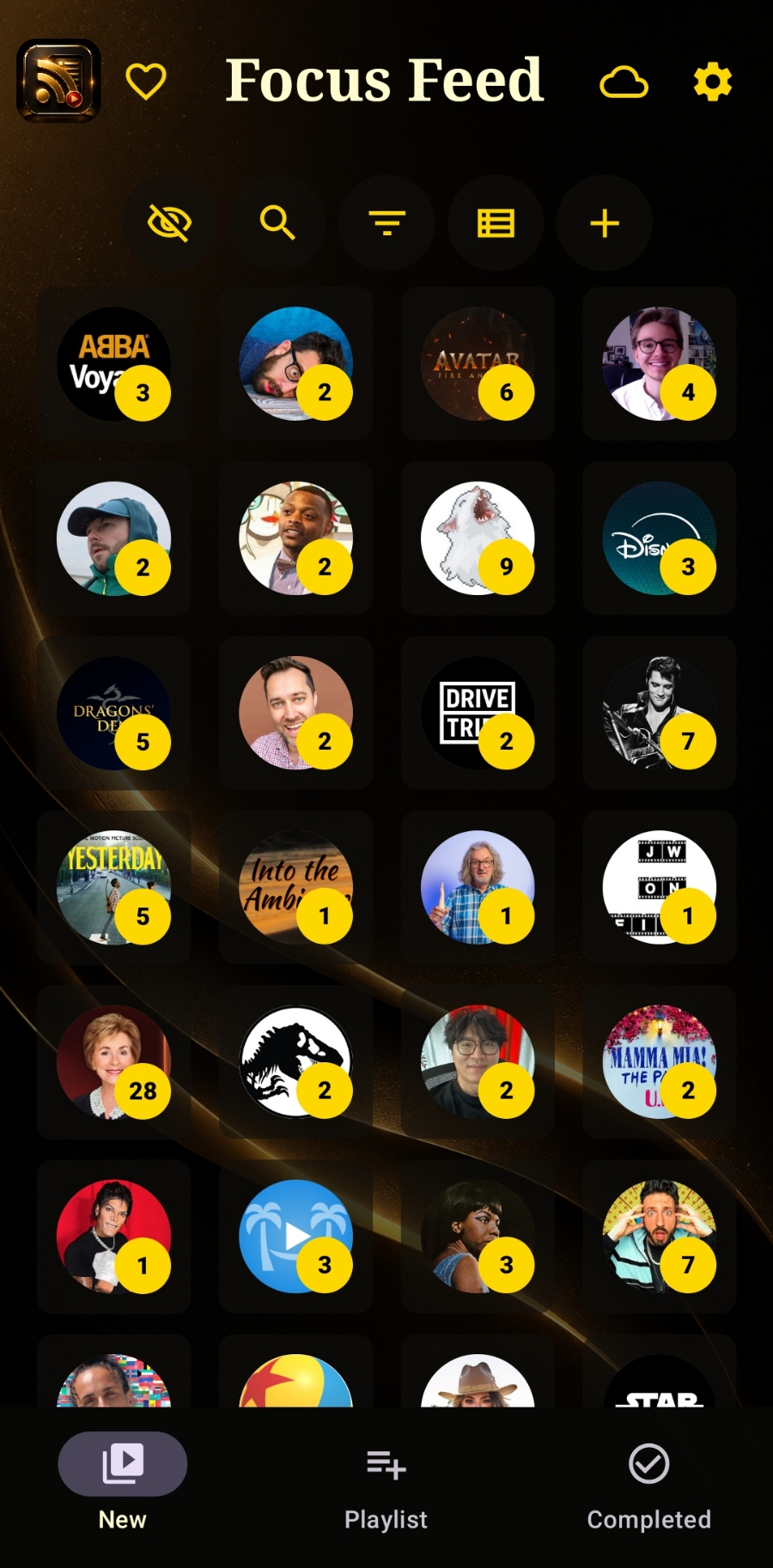
Focus Feed home screen showing followed channels in a grid, each with a badge counting new videos

Your followed channels, no algorithm involved

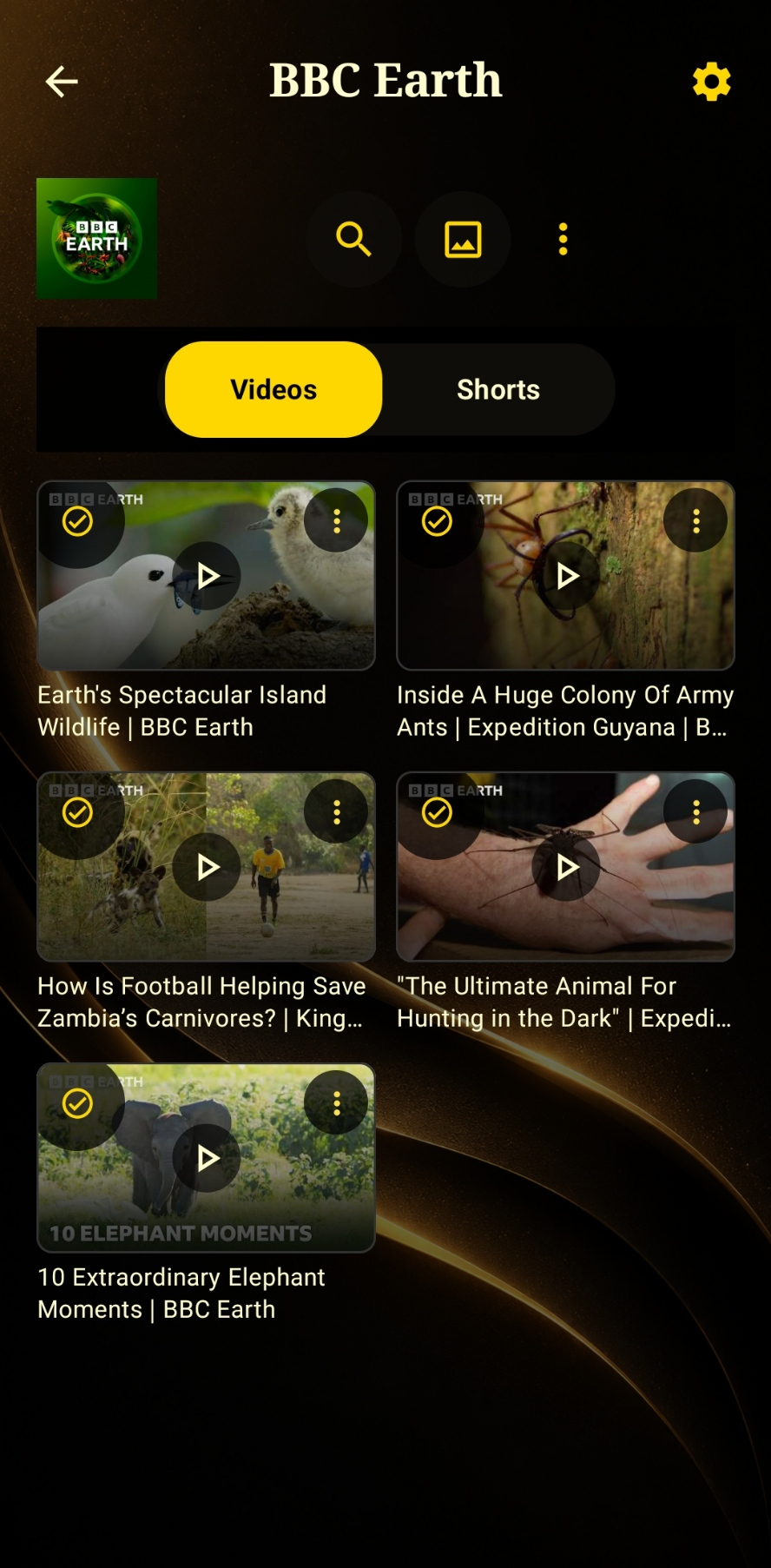
Channel videos tab showing a clean chronological grid

Videos and Shorts kept in separate tabs

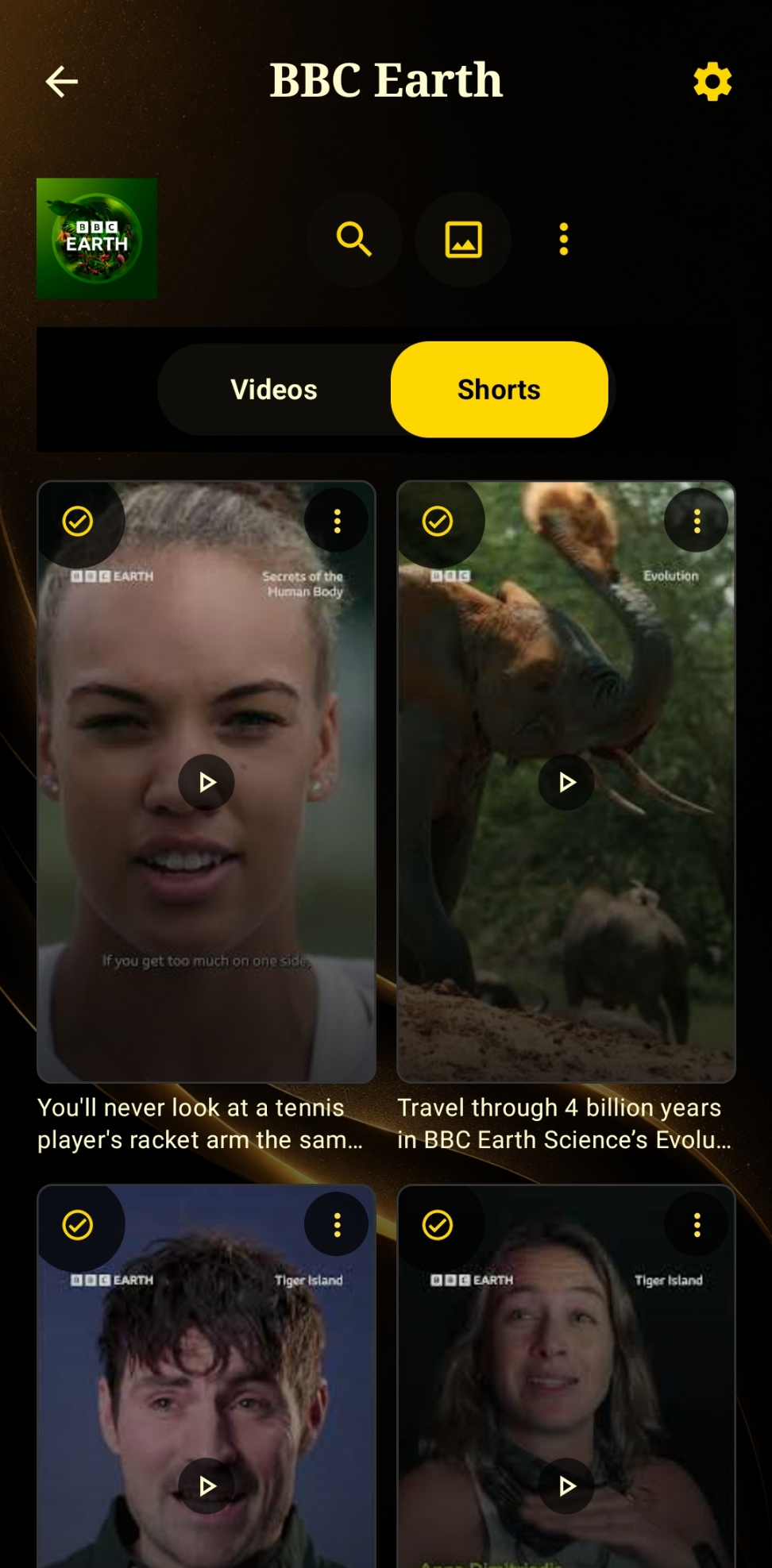
Channel shorts tab kept separate from long-form videos

Hide or view Shorts on their own, per channel

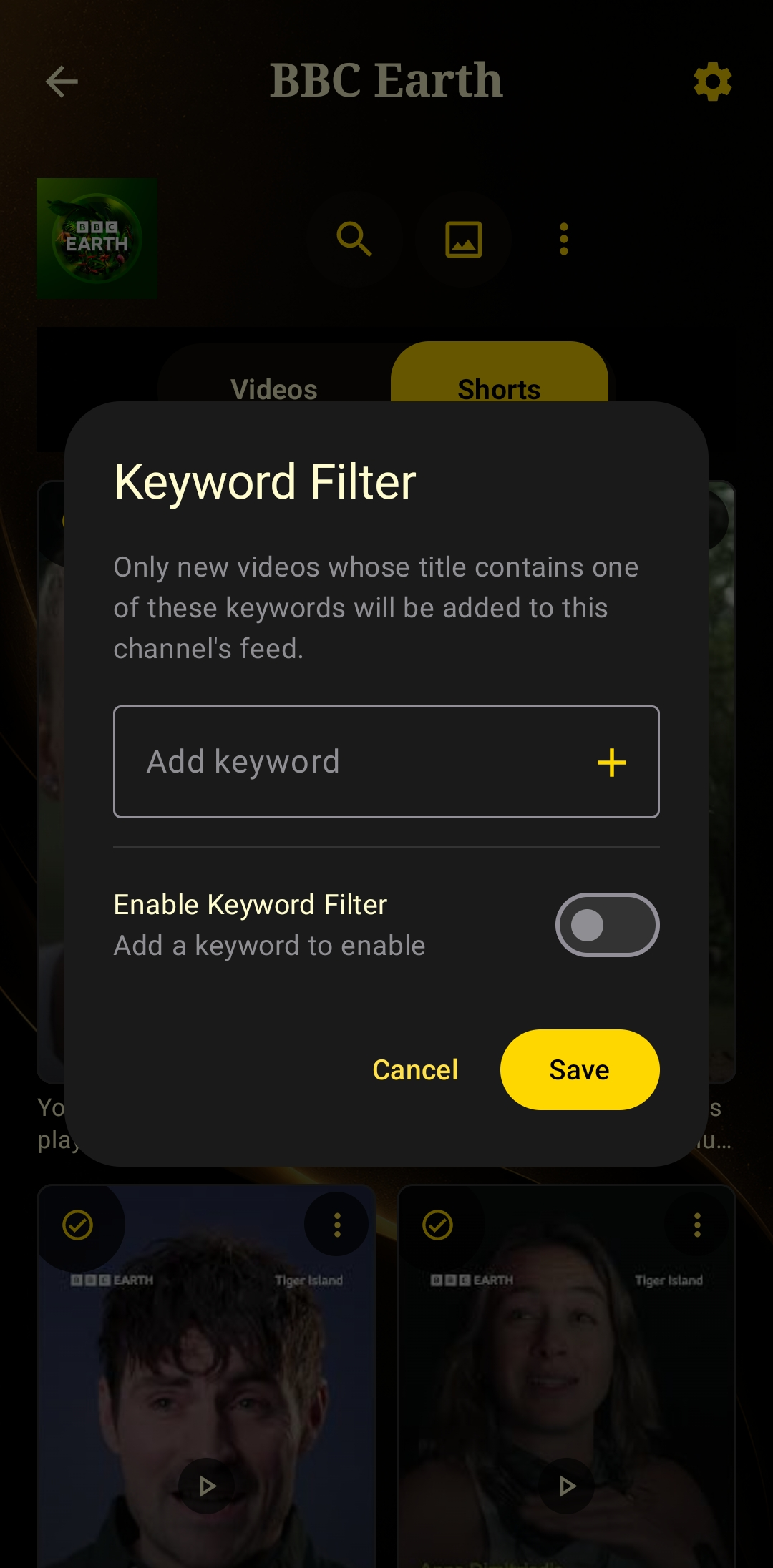
Keyword Filter dialog — only videos whose title contains a chosen keyword are added to the feed

Filter a channel's feed by keyword

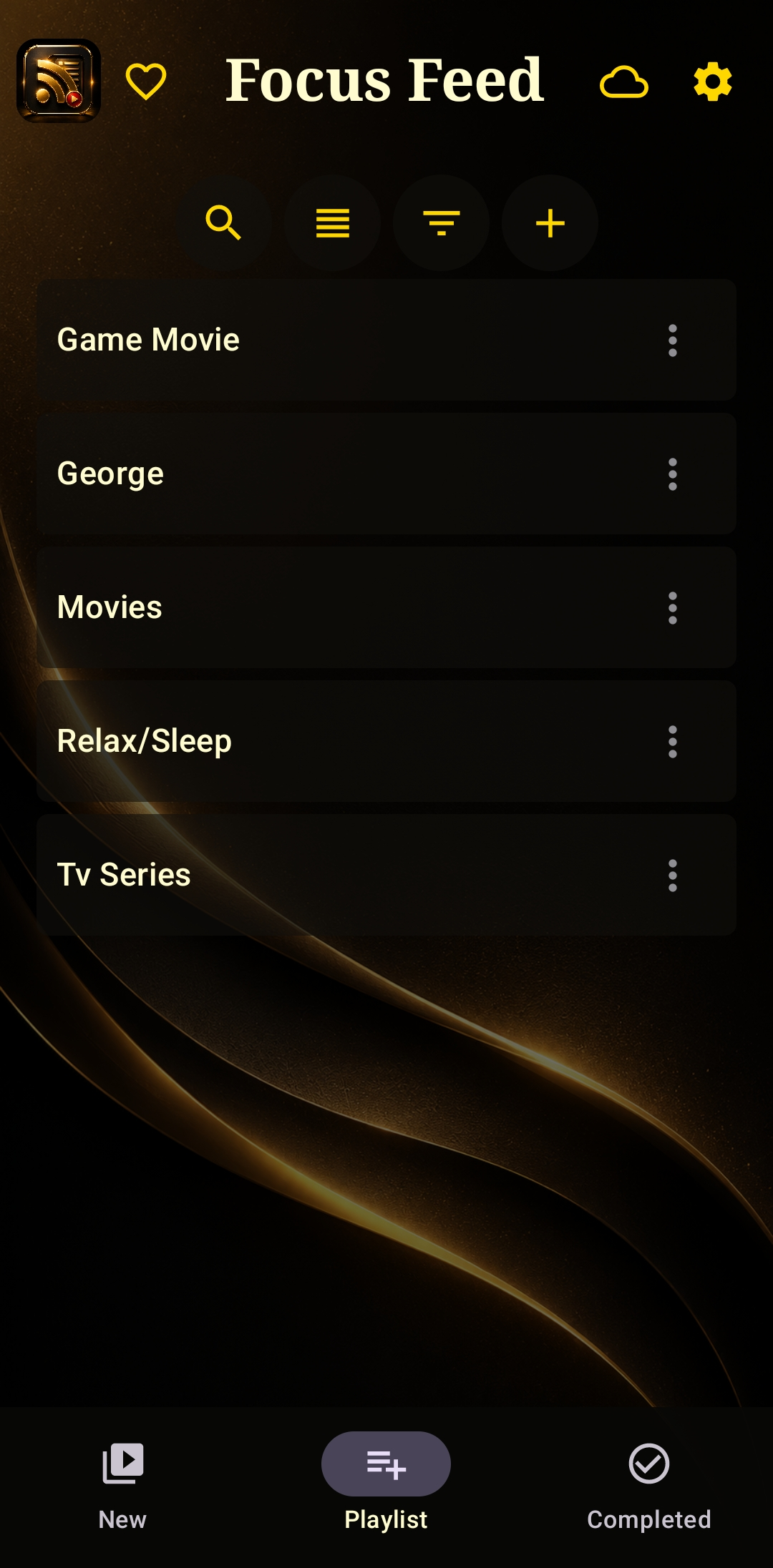
Playlist folders — Game Movie, George, Movies, Relax/Sleep, TV Series

Build your own playlist folders

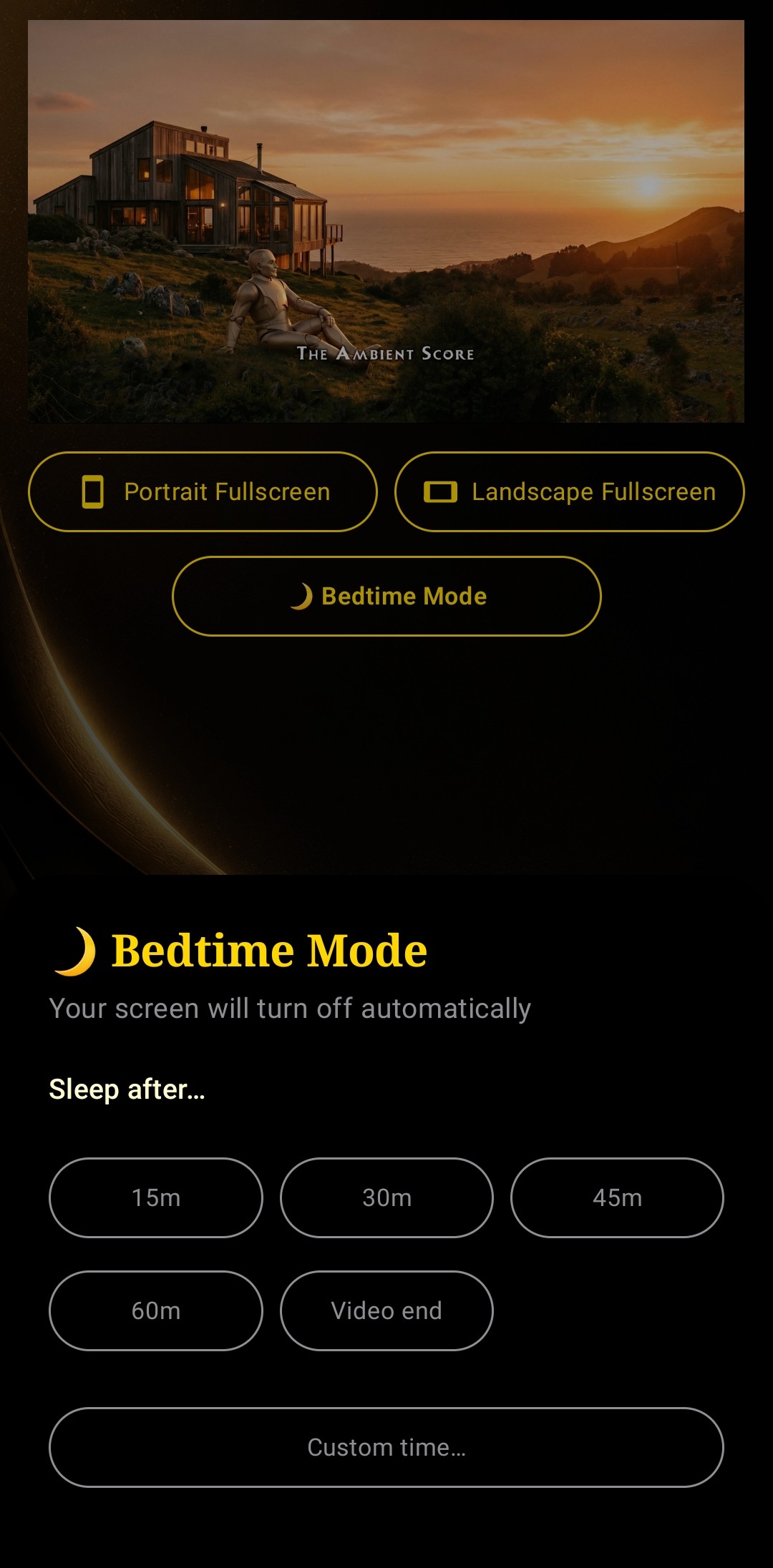
Bedtime Mode panel with Sleep after presets: 15m, 30m, 45m, 60m, Video end, and Custom time

Bedtime Mode locks the app down at your chosen time

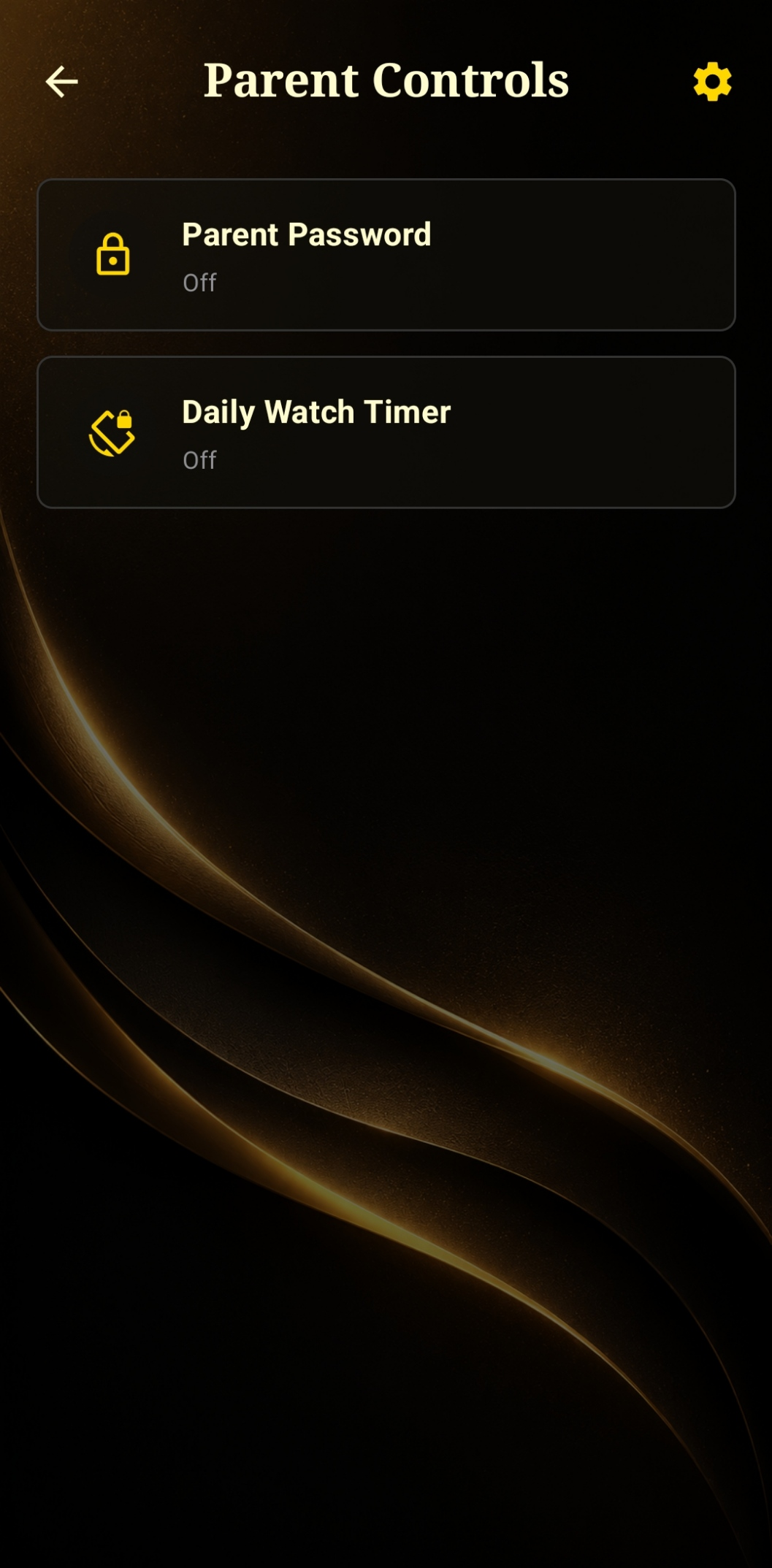
Parent Controls settings showing Parent Password and Daily Watch Timer

Require a PIN before a new channel can be added

Frequently asked questions

Does YouTube have RSS feeds?

Yes. Every YouTube channel still publishes a standard RSS/Atom feed of its uploads, even though YouTube doesn't link to it or advertise it anywhere in the app. Focus Feed reads those feeds directly so you get new uploads without going through YouTube's recommendation system.

How do I stop YouTube's algorithm from recommending videos?

The YouTube app is built around its recommendation engine, so there's no setting that fully turns it off. Focus Feed sidesteps the problem by pulling videos from each channel's RSS feed instead of the YouTube algorithm, so your feed only ever contains uploads from channels you follow, in the order they were posted.

Can I watch YouTube without an algorithm or autoplay?

Yes. Focus Feed shows a chronological list of new uploads from the channels you follow, with no recommended videos, no autoplay, and no "up next" queue. When a video ends, playback just stops.

Is there a YouTube app without Shorts?

Focus Feed keeps Shorts and regular videos in separate tabs for every channel, so you can view only long-form videos, only Shorts, or both — your choice, per channel.

Is Focus Feed free?

Focus Feed is free to download and use, with an optional Unlimited upgrade that removes limits on the free tier. No account or sign-in is required to use the core app.

Available in 25 languages

Focus Feed is available in 25 languages today, with more on the way. Wherever you follow channels from, the app is likely already speaking your language.

Follow channels your way

Free to download on Android. No account required to start.